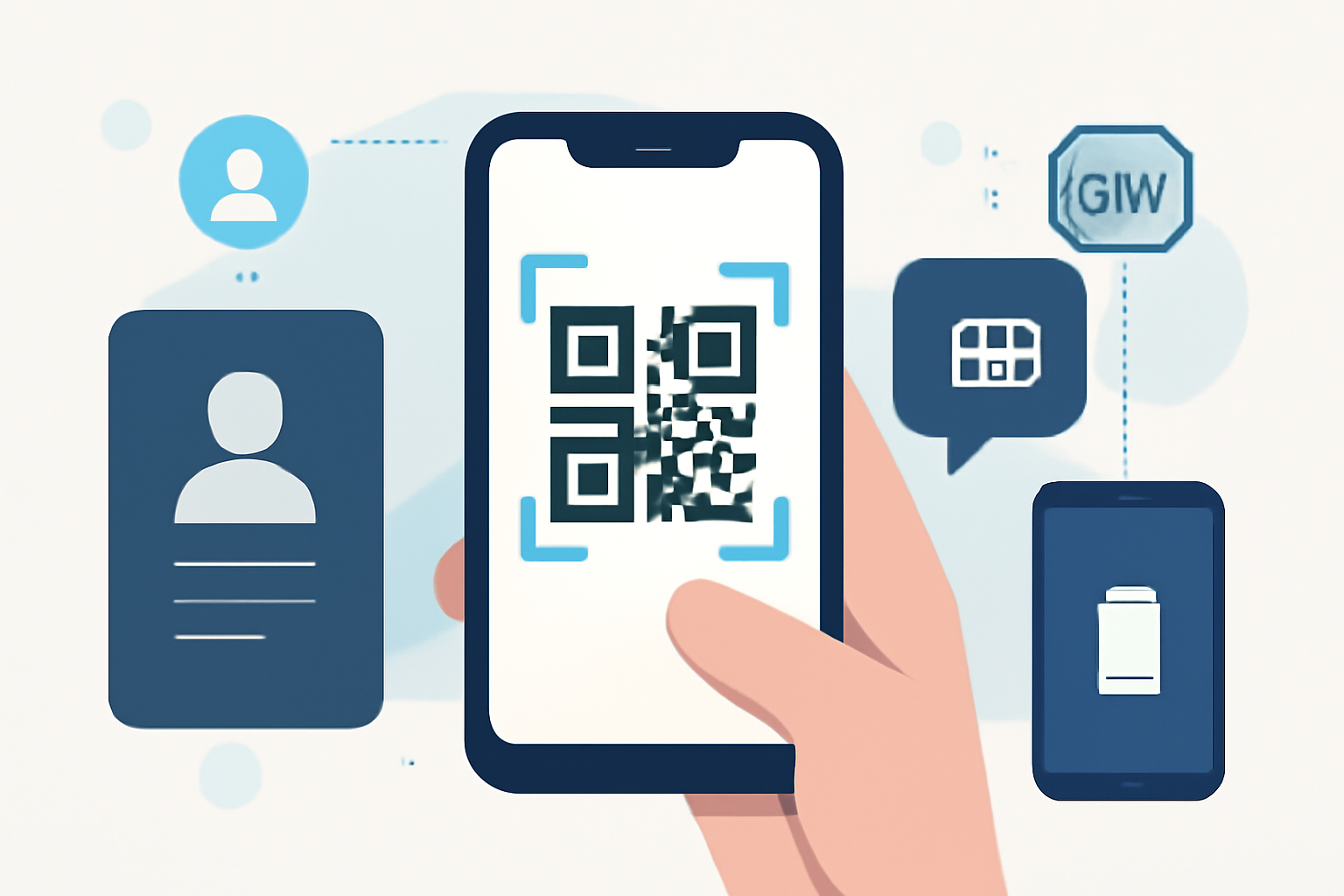
Mobile Scanning Technology Enabling Multi-Device Digital Identity Management
Managing digital identities across multiple devices has grown complex as users handle eSIM profiles, virtual phone numbers, and various online accounts. Mobile scanning technology—specifically QR code-based provisioning—has become the critical enabler for transferring and synchronizing these digital identities without manual configuration. By scanning standardized QR codes that contain encrypted activation data, users can provision eSIM profiles and virtual numbers across smartphones, tablets, and wearables in seconds rather than navigating carrier portals or inputting lengthy activation codes manually.
Multi-Device Identity Requirements in Modern Digital Life
The average professional now manages 3-5 digital identities simultaneously. A sales representative might maintain separate numbers for client communications, internal team coordination, and personal use—all on different devices or multiple profiles on a single device. Developers testing applications need region-specific numbers. Privacy-conscious users separate banking apps from social media with distinct virtual identities.
This multi-device, multi-identity reality creates provisioning challenges that traditional SIM cards never addressed. Physical SIM swapping is impractical when you’re activating a secondary number for temporary project work or testing how your app behaves with a UK phone number while physically in California. According to GSMA eSIM specifications, modern remote provisioning must support concurrent profile management across device types—but the user experience bottleneck has always been credential transfer.
QR code scanning workflows solve this problem directly. The same technology that powers 2-dimensional barcode data encoding now handles encrypted activation credentials. An eSIM activation QR code contains the SM-DP+ (Subscription Manager Data Preparation) server address, activation code, and confirmation code in a structured format based on ISO/IEC 18004 (QR Code standard). Scan once, authenticate once, provision anywhere.
The practical advantage? You can activate a second line on your iPhone for European travel while your primary device remains a Samsung Galaxy tablet connected via a different carrier. No cable connections, no copying 89-digit activation strings by hand. The QR code carries the complete provisioning payload.
QR Scanning Workflows for Cross-Device eSIM Profile Transfer
Modern eSIM provisioning follows a scan-authenticate-activate sequence that takes under 90 seconds from QR code display to active cellular connection. Here’s how the technical workflow operates in practice:
The carrier or virtual number provider generates a unique QR code containing the LPA (Local Profile Assistant) instructions. This isn’t a simple URL—it’s a formatted data structure including the SMDP+ address, matching ID, and confirmation code formatted as: LPA:1$[SMDP+address]$[matching ID]$[confirmation code]. The QR encoding follows GS1 DataMatrix conventions adapted for telecommunications data.
When you scan this code with your device camera or eSIM management app, the LPA initiates a secure connection to the carrier’s profile server. The device retrieves the encrypted profile bundle—typically 50-200KB containing carrier configurations, network authentication keys, and subscription details. Think of this as downloading a complete cellular identity rather than just credentials.
Device authentication happens through the eUICC (embedded Universal Integrated Circuit Card) security domain. Your device’s secure element validates the profile cryptographic signature before installation. This prevents man-in-the-middle attacks where a compromised QR code might attempt to provision a malicious profile.
The workflow deliberately separates profile download from activation. After scanning and downloading, you choose when to activate—immediately for urgent deployments or scheduled for specific use cases. A consultant traveling internationally might download three regional profiles at home via WiFi, then activate the appropriate one upon landing in each country.
This QR code technology now handles your cellular identity with military-grade encryption wrapped in a format readable by any smartphone camera manufactured after 2018.
Managing Multiple Virtual Numbers Through Scannable Provisioning
Virtual phone number provisioning through QR scanning eliminates the traditional activation friction that plagued earlier VoIP services. Instead of installing apps, creating accounts, and configuring forwarding rules, users scan a code and gain immediate calling and SMS capability through a fully integrated cellular profile.
The architecture differs from traditional app-based solutions. When you provision a virtual number via eSIM, it appears in your device’s native phone app, not a third-party interface. Your iPhone treats a virtually provisioned London number identically to a physical SIM-based number from AT&T. The underlying GSM specifications can’t distinguish between “physical” and “virtual”—both present valid IMSI (International Mobile Subscriber Identity) credentials to the network.
For managing multiple numbers simultaneously, QR-based provisioning introduces profile switching without physical handling. A small business owner might maintain:
- Primary business number (always active, main line)
- Customer service line (active during business hours, forwarding after-hours)
- Regional expansion number (activated when handling inquiries from specific markets)
- Testing/development number (activated temporarily for verifying SMS delivery in new app features)
Each profile exists as a scannable QR code saved in password management systems or cloud storage. When needed, pull up the code, scan with the target device, and activate within minutes. No service desk calls, no physical SIM shipments, no configuration files to email and manually import.
The practical benefit appears most clearly when onboarding team members. Instead of provisioning physical devices and coordinating SIM card logistics, IT administrators generate QR codes tied to employee virtual numbers. New hires scan during orientation—instant company line on their personal device with complete expense separation. When they leave, remotely deactivate the profile. The eSIM slot becomes available for reassignment without touching the device.
This workflow integrates with eSIM virtual numbers platforms that manage the entire lifecycle from number acquisition through usage monitoring and eventual decommissioning.
Device Compatibility Considerations for eSIM Activation Codes
Not all devices implement eSIM scanning identically, which creates real-world provisioning challenges that specifications don’t always anticipate. Apple’s implementation requires manual eSIM addition through Settings → Cellular for QR codes not detected automatically, while Android devices from Samsung, Google, and others vary in automatic detection capabilities.
iPhone models from XS (2018) onward support eSIM but handle dual SIM configurations differently. The iPhone 13 and later support dual eSIM activation (two eSIM profiles active simultaneously) plus physical nano-SIM. Earlier models limit active profiles to one eSIM plus physical SIM. This matters when planning multi-number strategies—your implementation approach differs depending on whether users can run two virtual numbers concurrently or must toggle between profiles.
Android fragmentation creates larger compatibility gaps. Flagship devices from Samsung (S20 onward), Google (Pixel 3 onward), and Motorola (certain models) support eSIM, but implementation quality varies. Some Android devices require carrier-specific apps for eSIM management rather than supporting generic QR scanning through system settings. Verify device-specific provisioning workflows before rolling out virtual number solutions across diverse Android fleets.
Tablets and wearables add another compatibility layer. iPads with cellular capability (7th generation onward) support eSIM provisioning identical to iPhones, making them viable endpoints for data-focused virtual identities. Apple Watch cellular models use a different provisioning mechanism—they pair with iPhone eSIM profiles rather than scanning independent QR codes. This parent-child relationship means Apple Watch virtual numbers derive from iPhone provisioned identities, not standalone scanned profiles.
Windows laptops with embedded cellular (Surface Pro X, certain Dell and Lenovo models) support eSIM but often require carrier pre-approval. The QR scanning workflow exists, but automatic profile download may fail without whitelisted device identifiers in the carrier’s database. This affects deployment planning for mobile workforce scenarios where laptop cellular connectivity matters.
The underlying issue traces to eUICC specification versions. Devices implementing GSMA SGP.22 v2.2 or later handle multi-profile management more reliably than earlier versions. Check your device’s eUICC specification version through manufacturer technical documentation—it’s rarely exposed in consumer-facing specifications but determines whether advanced features like profile switching without network reconnection actually work.
Multi-Identity Setup with eSIM Plus Online Phone Numbers
Combining eSIM technology with virtual online phone numbers creates a unified provisioning system that addresses the full spectrum of multi-device identity management. Rather than treating eSIM profiles and virtual numbers as separate systems—physical cellular versus internet-based calling—modern platforms provision both through identical QR scanning workflows.
The technical advantage comes from treating phone numbers as software entities rather than hardware-bound identities. When you acquire a virtual number from a modern platform, you’re not receiving VoIP credentials to configure in an app. You’re receiving a complete cellular profile with a real phone number, carrier routing, and network authentication—all packaged in a scannable provisioning code.
This approach eliminates the quality and feature gaps that plagued earlier virtual number solutions. A properly provisioned eSIM virtual number supports:
- Native SMS and MMS through carrier infrastructure, not internet messaging protocols with compatibility issues
- Emergency services access with location data, meeting E911 regulatory requirements
- Carrier-grade voice quality without codec negotiation or NAT traversal problems
- Network handoff between WiFi and cellular without call drops
For users managing multiple identities, the workflow simplification is substantial. Instead of juggling separate apps for business numbers, personal lines, and regional access, all numbers appear in the device’s native phone interface. Your contacts, call history, and messaging threads remain unified even when switching between provisioned identities.
Organizations deploying multi-identity solutions should prioritize platforms that expose the underlying QR provisioning codes rather than hiding them behind proprietary apps. This enables integration with existing device management systems, allows secure storage in enterprise password vaults, and supports automated provisioning workflows for large-scale deployments.
Most virtual number implementations get this wrong by prioritizing proprietary app ecosystems over standards-based provisioning. A platform that provides direct access to GSMA-compliant activation QR codes gives you deployment flexibility that app-dependent solutions can’t match.
Frequently Asked Questions
Q: Can I use the same eSIM QR code to provision profiles on multiple devices simultaneously?
No. Each eSIM activation QR code provisions a single profile to a single eUICC. Once scanned and downloaded, the activation code is consumed and cannot be reused. If you need the same number on multiple devices (phone and tablet, for example), the provider must generate separate provisioning codes for each device. Some platforms offer “companion device” provisioning that links profiles, but each still requires its own unique QR code. This security measure prevents unauthorized profile duplication—you can’t simply photograph someone’s activation code and clone their cellular identity.
Q: What happens to my provisioned eSIM profiles when I factory reset my device?
Factory reset deletes all eSIM profiles from your device permanently. Unlike physical SIM cards you can remove and reinstall, eSIM profiles exist only in the device’s secure storage. Before resetting, contact your provider to generate new activation QR codes. Some platforms offer profile backup mechanisms through carrier systems, but this isn’t universal. The best practice: save your original activation QR codes in secure password management systems. If you lose access, you’ll need to contact support for reprovisioning—a process that may involve identity verification and waiting periods depending on carrier policies.
Q: Do all QR code scanners work for eSIM activation, or do I need specific apps?
eSIM activation requires the device’s native eSIM management interface or carrier-provided apps—generic QR code readers won’t work. iPhone users access this through Settings → Cellular → Add eSIM, which activates the camera for scanning activation codes. Android implementations vary: Samsung devices use Settings → Connections → SIM card manager, while Pixel phones use Settings → Network & internet → SIMs → Add eSIM. The critical difference: eSIM QR codes contain encrypted provisioning data that only the device’s LPA (Local Profile Assistant) software can interpret, not just a URL that any scanner can read. Your phone’s camera app might detect the QR code, but it can’t process the eSIM data without routing through proper channels.
Related Articles
- 2-Dimensional Bar Code Page - Specs & Standards Guide
Complete technical guide to 2D barcodes including QR Code, Data Matrix, and PDF417 specifications, implementation requirements, and practical use cases for supp
- BarCode 1 - Comprehensive Barcode Information Resources
BarCode 1 provides technical specifications, standards documentation, vendor directories, and developer tools for barcode implementation. Access symbology specs
- A Short History of Bar Code - From Invention to Today
The first barcode patent was issued in 1952 to Norman Joseph Woodland and Bernard Silver. Learn about the 20-year journey from beach-sand sketches to the first
- UPC and EAN Bar Code Guide - Implementation & Conversion
Learn the key differences between UPC and EAN barcodes, including format structures, conversion methods, and implementation requirements for retail products wor
- Code 128 Barcode - High Density Alphanumeric Standard
Code 128 barcode technical guide: character sets A/B/C, function codes, implementation examples, and why it encodes 37% more efficiently than alternatives in sh